WordPress Blocks Overview
WooCommerce Appointments includes Gutenberg blocks for embedding booking features without shortcodes.
Before you begin
How it works
Insert blocks from the block editor (+ → search under WooCommerce). Blocks render on the frontend like other page content.
What you need
- Block theme or classic theme with block editor support
- WooCommerce Blocks 7.2.0+ (if blocks do not appear - see Known issues)
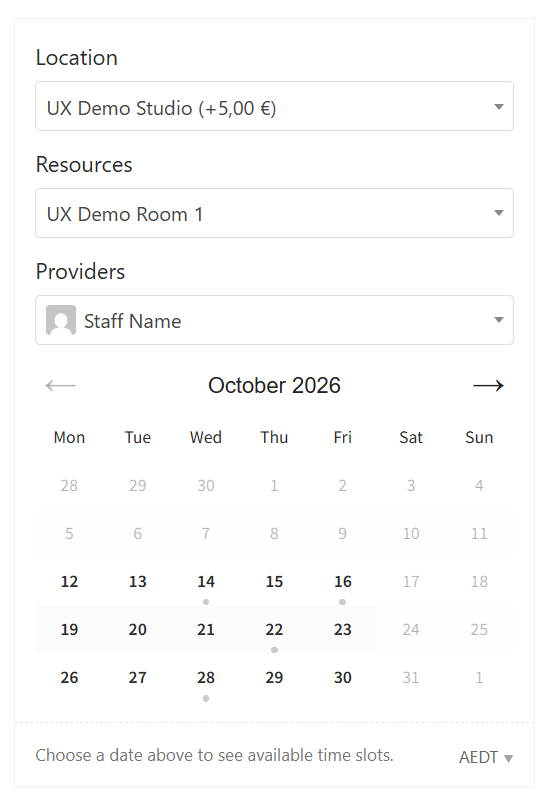
Appointment Form block
Embeds the booking form for one appointable product - ideal for landing pages or feature posts.
Availability Filter block
Date-range filter so customers find services available on specific days - best on shop or category pages.
Shortcodes alternative
Not using the block editor? See Shortcodes.
Related
- Appointable product
- Widgets - classic theme availability filter